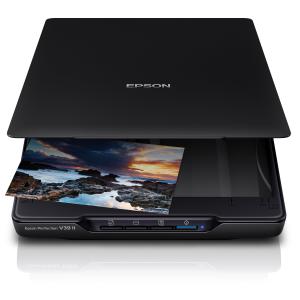
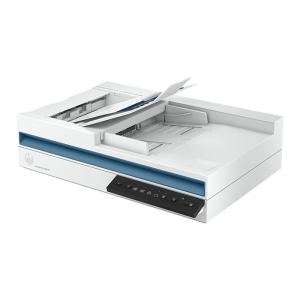
The Canon CanoScan LiDE 300 is a sleek, compact flatbed scanner designed for home and office users who need high-quality, fast scanning without taking up valuable desk space. With an optical resolution of 2400×2400 dpi, it delivers crisp, detailed scans of documents, photos, receipts, and artwork. Its USB-powered design eliminates the need for an external power adapter, making it ideal for small workspaces or mobile setups. The scanner includes easy-to-use EZ buttons for one-touch scanning directly to PDF, email, or image files, making document management fast and efficient.
Setup Instructions:
- Unbox: Remove the scanner and included accessories, including the USB cable, setup CD, and user guide.
- Connect: Plug the USB cable into the scanner and your computer. The LiDE 300 is USB-powered, so no additional power cable is needed.
- Install Drivers/Software: Run the setup CD or download the latest Canon CanoScan LiDE 300 drivers and software from the Canon website. Install the drivers and any included software like Canon Scan Utility, Easy-PhotoPrint, or PDF Tools.
- Position: Place the scanner on a stable, flat surface with the lid facing up. Ensure there is enough clearance for A4/Letter-sized documents.
- Scan: Use the EZ buttons or Canon software to select your scan type (color, grayscale, or monochrome) and resolution. Press the one-touch scan button for PDFs, emails, or images.
- Save/Share: Scan files can be saved to your computer, shared via email, or uploaded to cloud storage.
Key Features
- 2400×2400 Dpi Optical Resolution — Crisp Text And Sharp Photos.
- USB-Powered — No External Adapter Needed, Simple Desk Setup.
- Compact And Lightweight — Fits On Desks Or Small Workspaces.
- Fast Scanning Speed — Quickly Digitize Documents, Receipts, And Photos.
- EZ Buttons — One-Touch Scanning To PDF, Email, Or Image Formats.
- Energy-Efficient Design — Low Power Consumption And Eco-Friendly Operation.